Familiarizing yourself with the more advanced analytics features like creating groups, filters, and comparisons, can be an excellent way to pull additional insights from your performance.
Clicking the See More option in any report, or Advanced Mode on the top right, will take you to Advanced Mode, where you can also save a custom view with all your go-to filters and dimensions. Saving reports lets you quickly check your progress with a single click each month. This is only available on web browsers on your computer.
Analytics "Advanced Mode" in YouTube Studio
Create groups to evaluate themes or formats
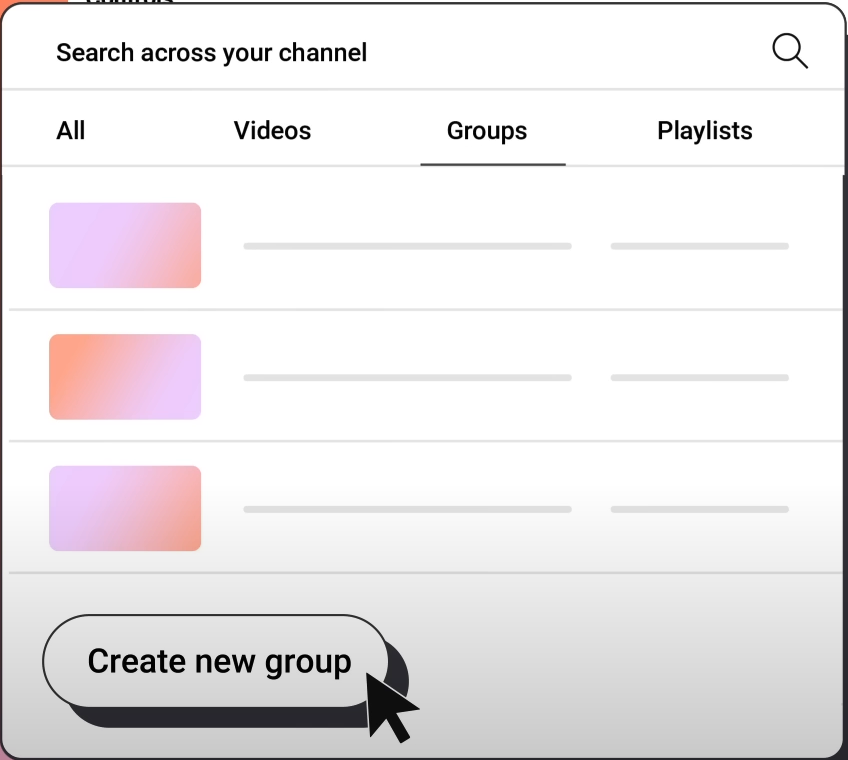
Create new groups to organize your content into custom groups to analyze a set of videos collectively
- Group across content pillars: See how all your videos on "DIY Projects" perform against all your videos on "Unboxing” content.
- Group across content style: Group videos that use a specific type of editing style or tone to see how that affects engagement.
- Group across various lengths: Group and analyze all your videos under 5 minutes to those over 10 minutes.
Apply filters to narrow down insights
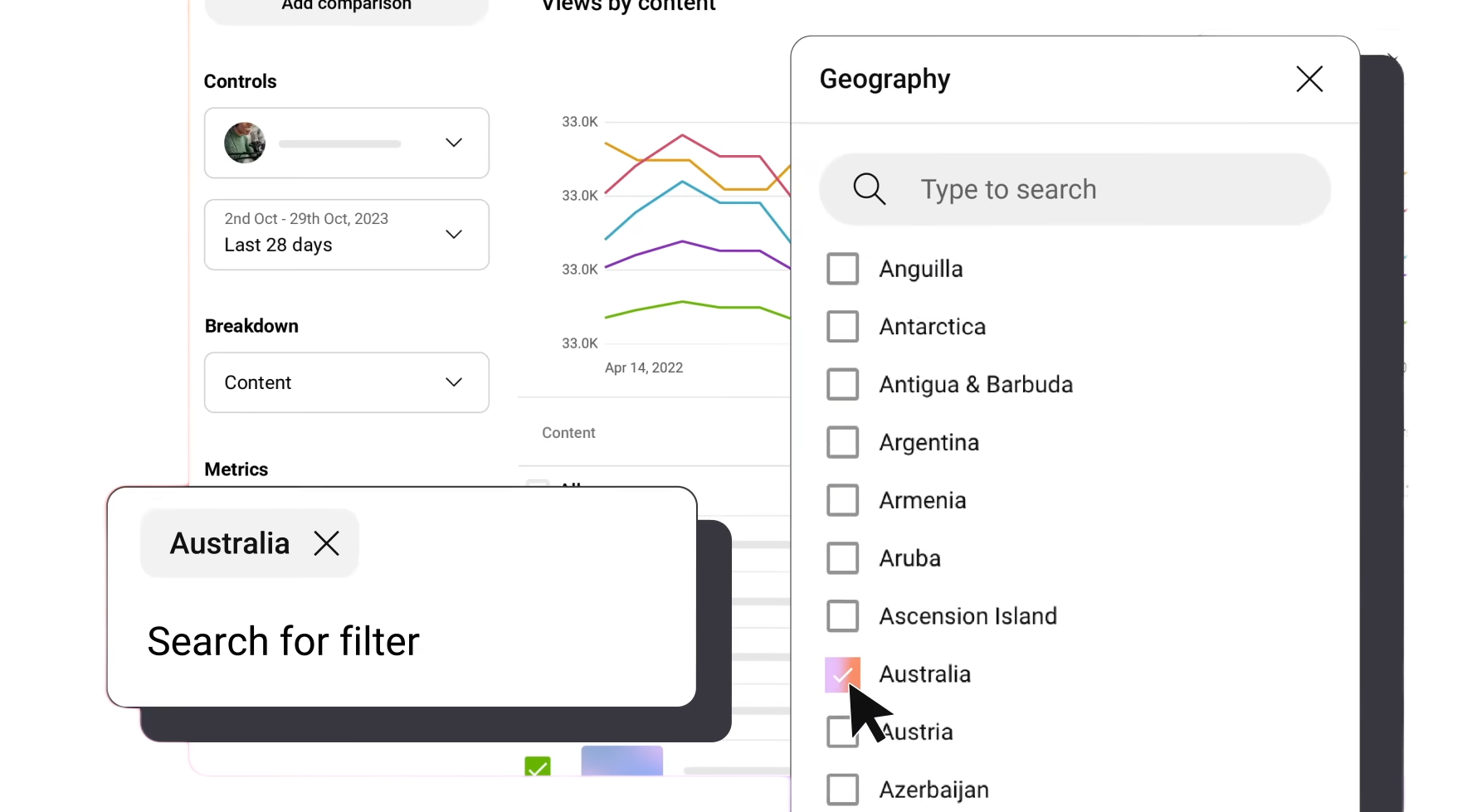
Filters allow you to narrow down your data for deeper insights
You can segment your audience and video performance by criteria like geography, device, and also use the ‘title’ filter to find certain videos.
- Filter by format: Understand how your Shorts are performing by applying the ‘content type’ filter.
- Filter by Traffic Source: Apply a ‘traffic source’ filter for ‘external traffic’ to identify which videos are most successful at bringing that audience.
Compare data
Compare data from different content, date ranges, and metrics by clicking "Add Comparison."
 |
- Compare across periods or year-over-year: Observe how your channel’s performance has shifted over time, identify seasonal trends, and see the impact of a recent content strategy change, or simply track your overall growth.
- "Is my channel growing compared to last year's performance at this time?"
- "How did my audience's engagement change after I started posting more frequently?”
- "Did the new video format I started two weeks ago lead to an immediate increase in watch time?”
|
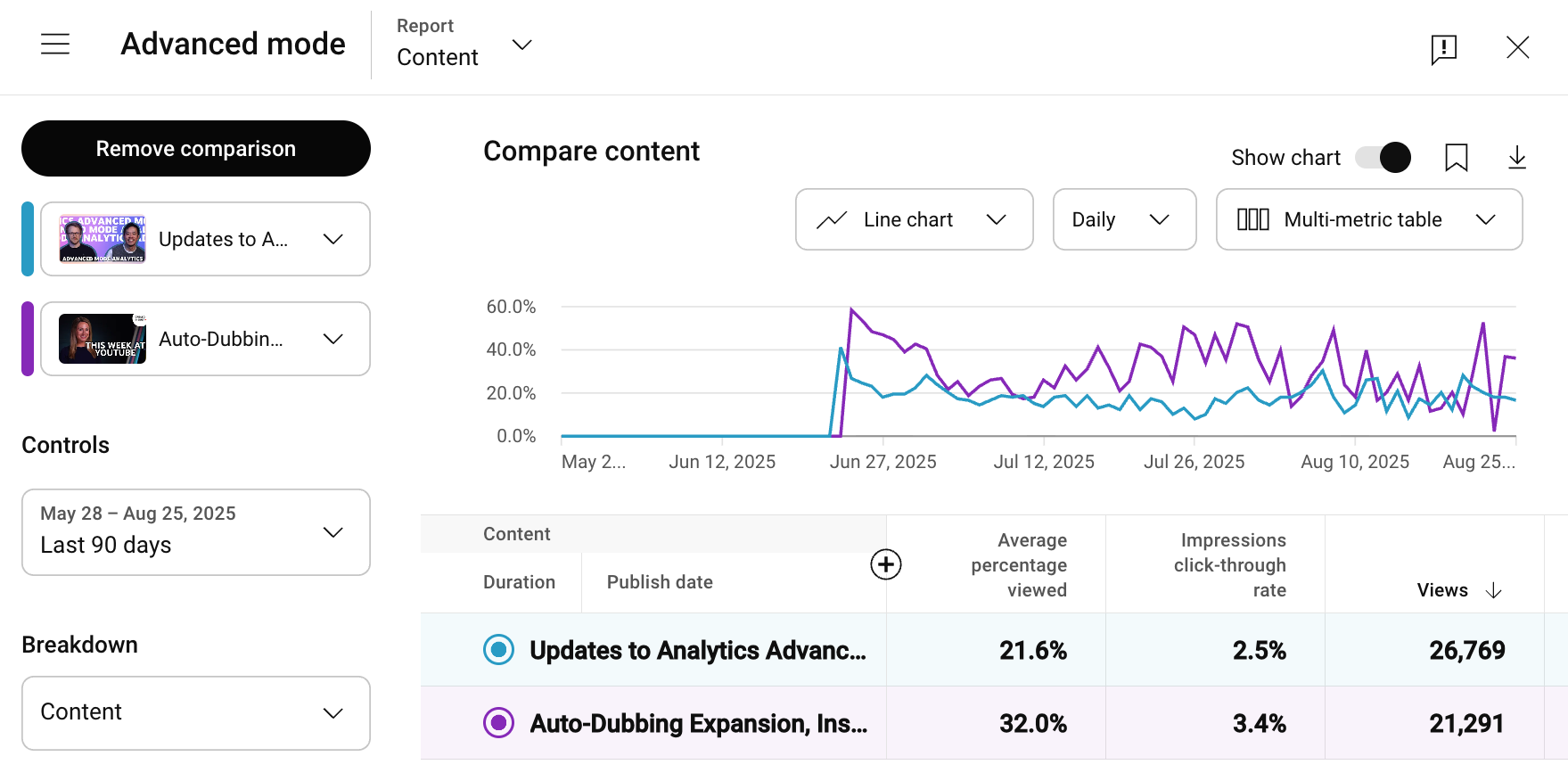 |
- Compare two videos:
- Compare a top-performing video with a bottom-performing video from the same content series. Analyze the difference in CTR, audience retention and traffic sources to identify what made one video more successful.
- Compare two videos with similar topics or formats to see which one was more effective at converting viewers into your subscribers, take this learning to refine your calls-to-action for future uploads.
|
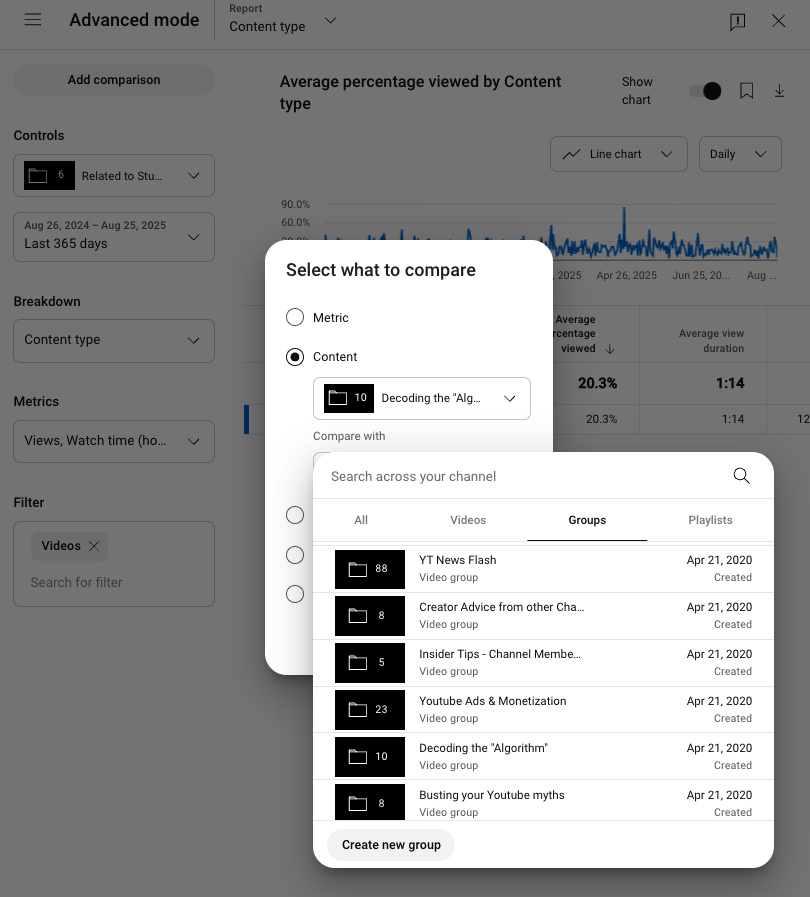 |
- Compare two groups or playlists: You can compare the collective performance of two groups or playlists to see which content pillar or format is performing best.
- Example 1: You’d like to see if a new on-camera host is effectively engaging the audience. Create a group for all videos featuring that host and compare the group's average view duration to the channel's overall averages.
- Example 2: You are experimenting with a new editing style. Create a group for videos with the new style and compare the audience retention of that group against videos with your old editing style to see how the change is impacting watch time.
- Example 3: Say you want to understand which type of video is most effective at converting viewers into subscribers. Create groups for "tutorial videos" and "vlogs" and compare the subscriber gain metric for each group.
|
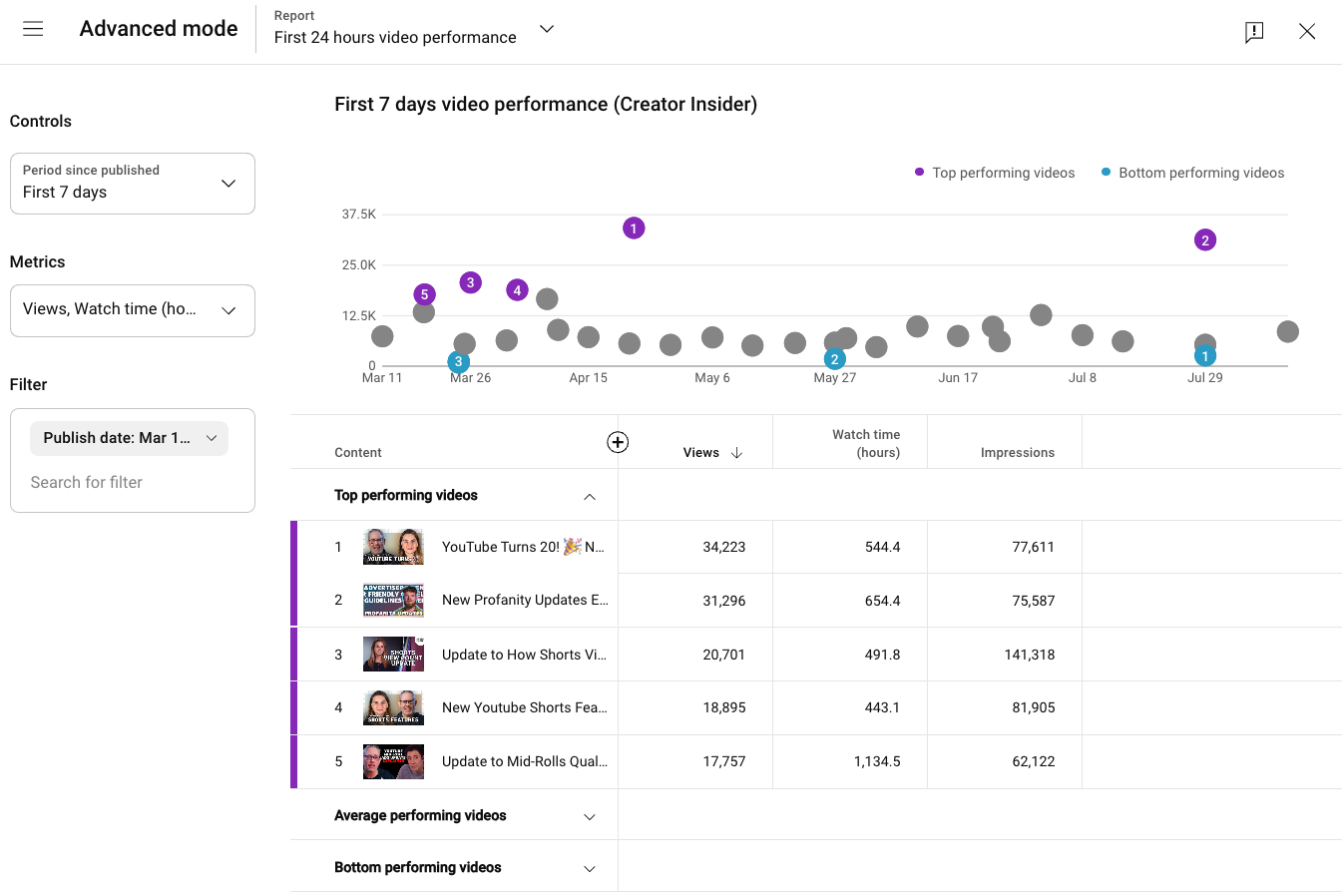 |
- Compare your videos across 24 hour, 7 day, or 28 day lifespan: This report shows you how all your videos performed during the same part of their lifespan, allowing you to compare content fairly.
- Example 1: You cover fast-moving topics like news or trends. You can compare the first 24 hours of a new video to their channel's average.
- Example 2: You are testing a new thumbnail strategy, the first 7 days’ performance can be helpful to compare the average CTR of videos to see if the new thumbnail style is more effective.
- Example 3: You make both tutorials and commentary videos. You can compare the first 28 days of watch time for both types of content to see which pillar is gaining more momentum.
|
We recommend
As you use these different features to analyze your performance, think of it as a cycle of ongoing learning and improvement, driven by data-driven insights.
- Review data: Understand what's happening on your channel
- Identify insights: Find patterns and trends in your audience's behavior
- Implement learnings: Adjusting your content strategy
Next up: Check out Tips on how to make money on YouTube